
꒰ kourie ◞ major feature update ꒱
as always, i’ve been working nonstop to improve the widgets and make them both more functional and a better experience for every user. after i added so many cool features to improve koucal, i started wanting some of the same things in kourie! i always wanted kourie to resemble a scrapbook! so here are the major changes i’ve added to kourie recently. if you already own kourie, the update has already been live for a few days and just requires a refresh on your end.
themes + page
- added 12th theme called “snowtop”.
- added transparent background toggle ( with a dark page toggle for transparent bg on dark mode notion ).
writing
- added headings : h1 / h2 / h3 into the page entry toolbar.
- change font on selected text : if you highlight text and pick a font, the font will now only change on that text ( full page change still exists if you change it with no text selected ).
- change font size on selected text.
- general font size changes only impact “normal” text in the body. header and subject line text size can be changed by selecting the text.
- subject line toddle ( works per journal in entry page settings ) : adds a subject row at the top of each page.
toolbar
- paper style, font selection, and line color dropdowns are added to the toolbar, but can still be located in the entry page settings.
photos + stickers
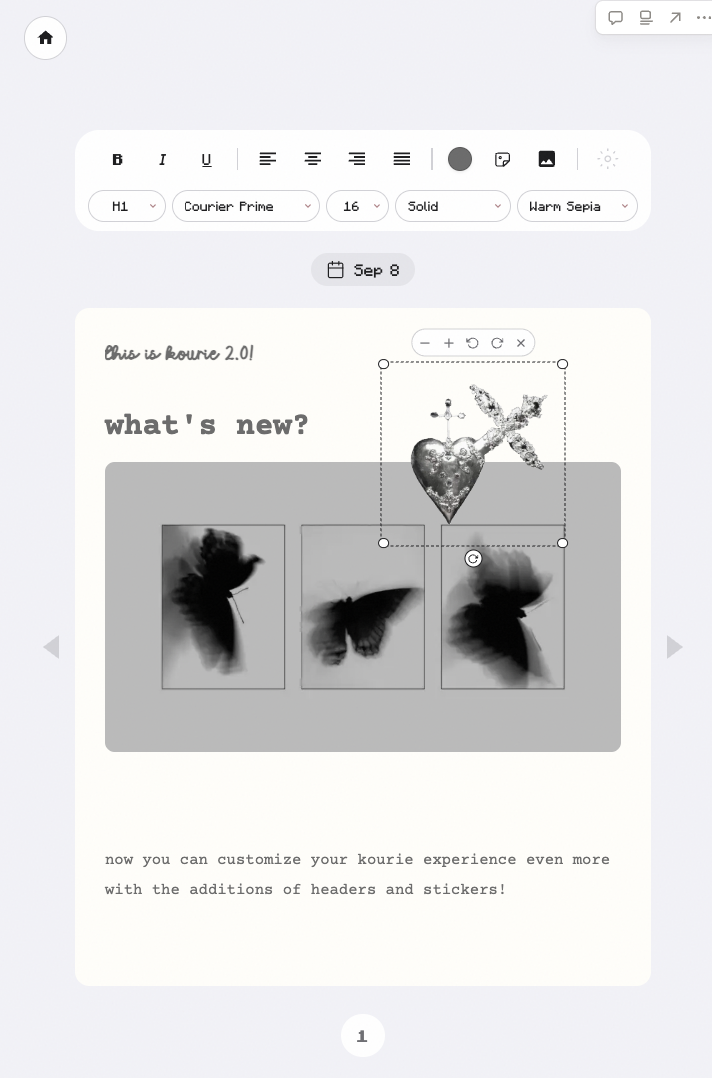
- add selected image stickers anywhere on the journal space.
- drag to move, drag corners to resize, and drag to rotate.
- photo resizing : drag the corner on an inserted photo to adjust its size.
- photos are now stored separately from the journal text so journals with a large number of photos no longer risk hitting the sync size cap!
- oversized photos now get a “photo is too large to sync” alert.
organizing + embedding
- journal categories : 3 categories that you label yourself in settings. they are defaulted to “personal / work / ideas”. you can add one category to a journal when adding it or editing it.
- “copy embed link” on a journal card to embed that single journal straight into notion ( this one is for my users that wanted to link their specific notes to a designated page! ) all info stays synced.
- category embed link : embeds a grid of the journals under a specific category so you only see those on pages ( also for my note-taking users! )
fixes
- adjusted the sync panel text in multiple themes to ensure they’re readable.
- reduced the size of some buttons.
as always, thank you so much for supporting my little widget world! please enjoy the update and report any bugs or feedback you have on the “contact” tab.