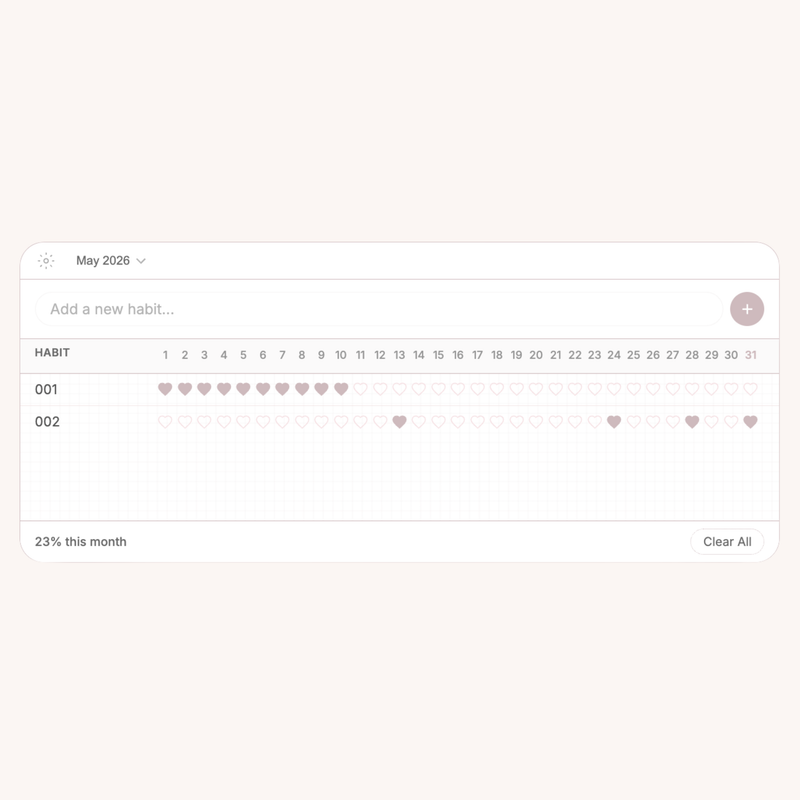
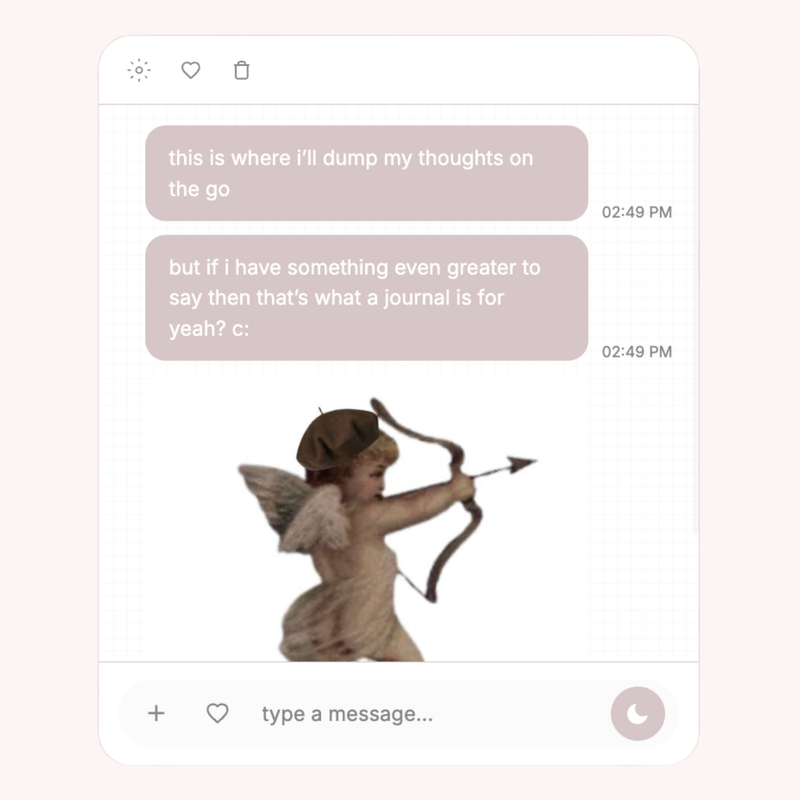
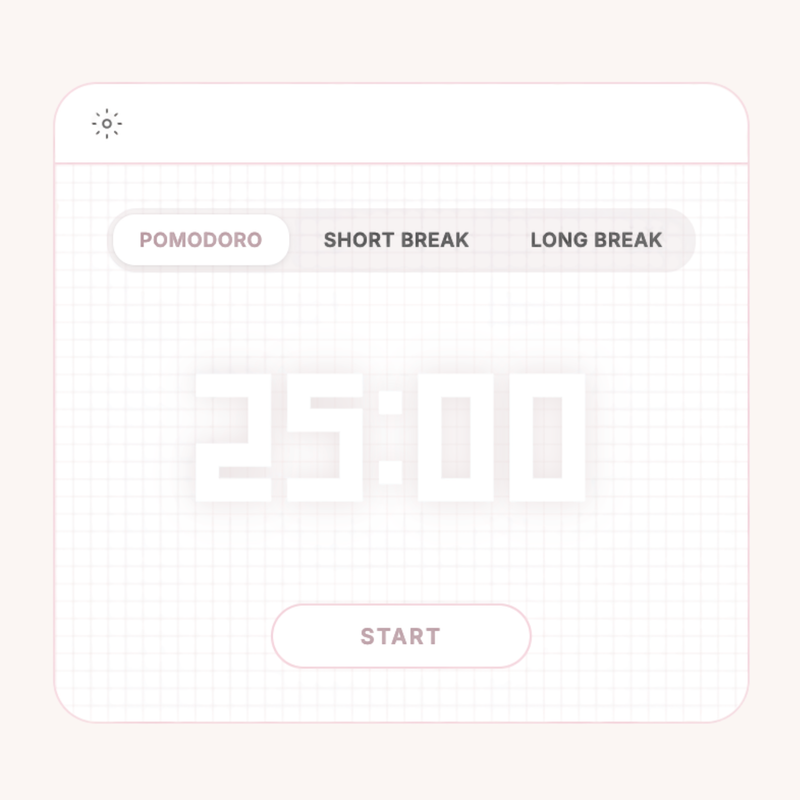
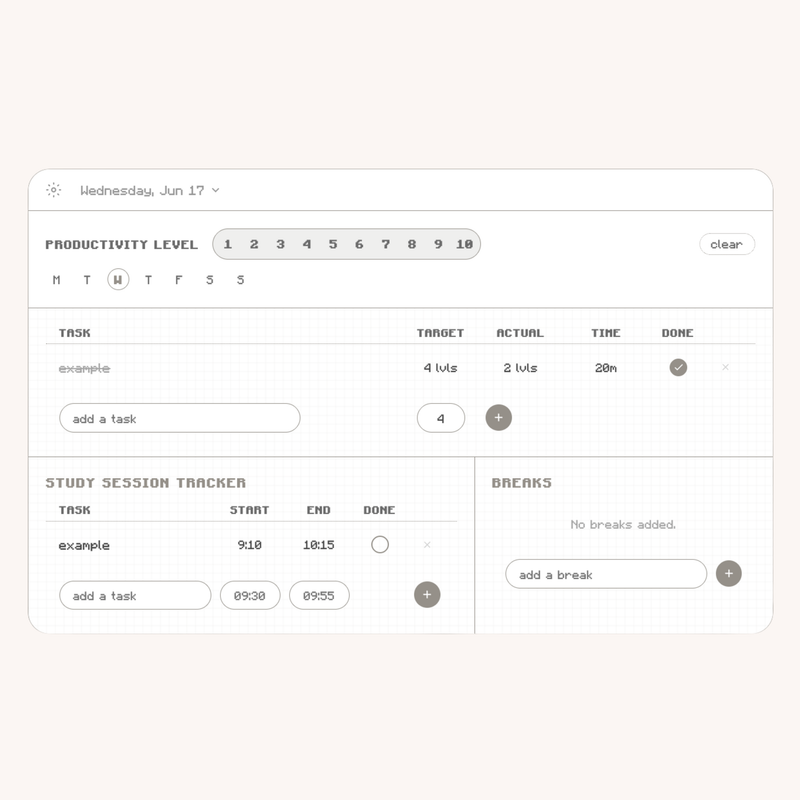
୧﹒HEONIMOON﹕ꕤ﹒NOTION WIDGETS
cute functionality.
heonimoon ⋆ shop

pick your series ⛛

koudash series
୧﹒koudash ꕤ
7 productivity widgets for your notion to keep you cute n well-organized.
koustudy series
୧﹒koustudy ꕤ
6 focused widgets for your notion to complement your cute study habits.
koufree series
୧﹒koufree ꕤ
a few little widgets for your notion, for free. something slight, something elegant. ♡
koupay series
୧﹒koupay ꕤ
1 widget for your notion, made to save your wallet.
koufit series
୧﹒koufit ꕤ
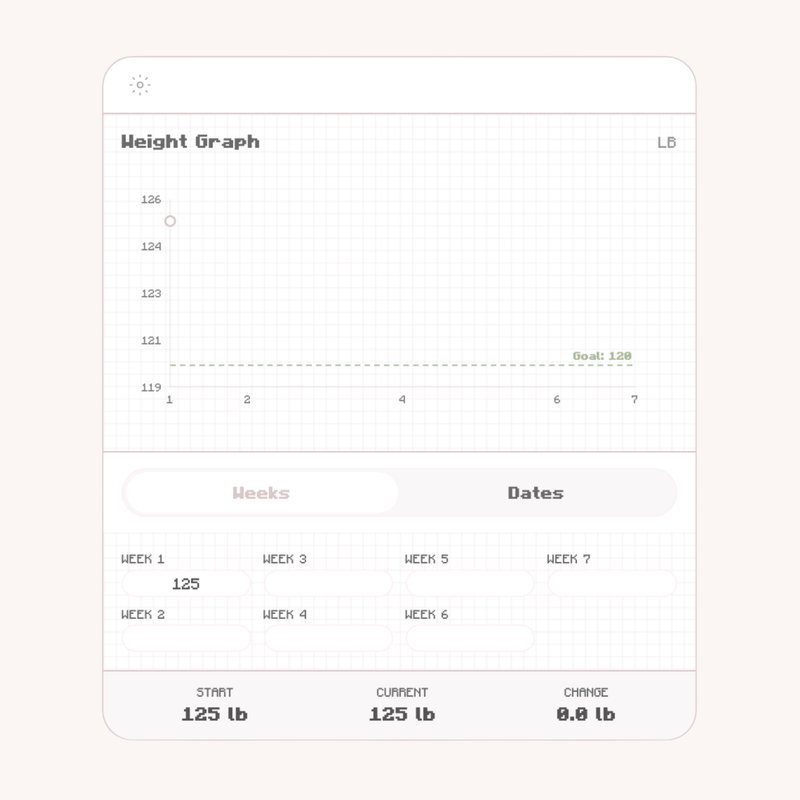
2 fitness & health widgets for your notion, to track your growth.
coming soon
heonimoon ⋆ koudash

koudash

koudash curve bundle
featured
୧﹒koudash ꕤ  $25 $15

the cutest productivity suite experience.

+ includes: 7 kouapps!
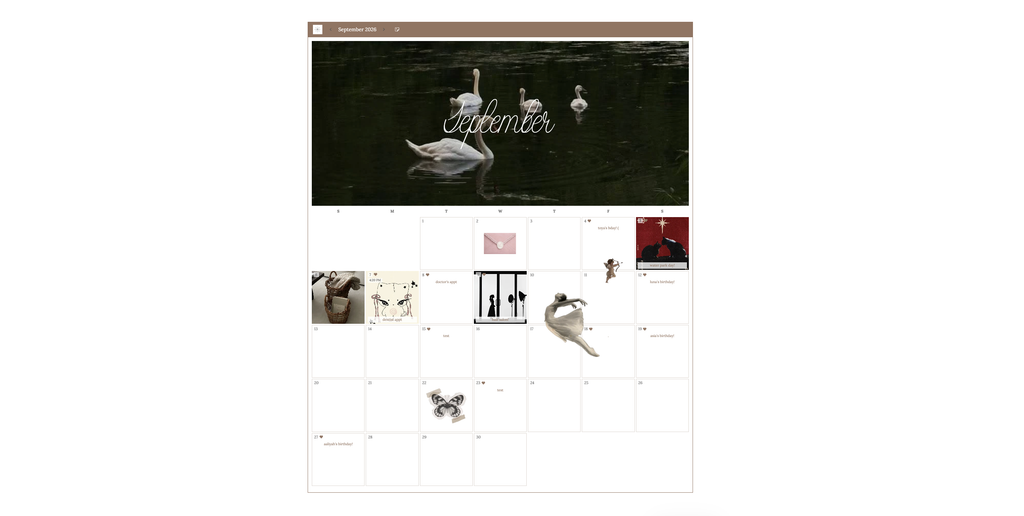
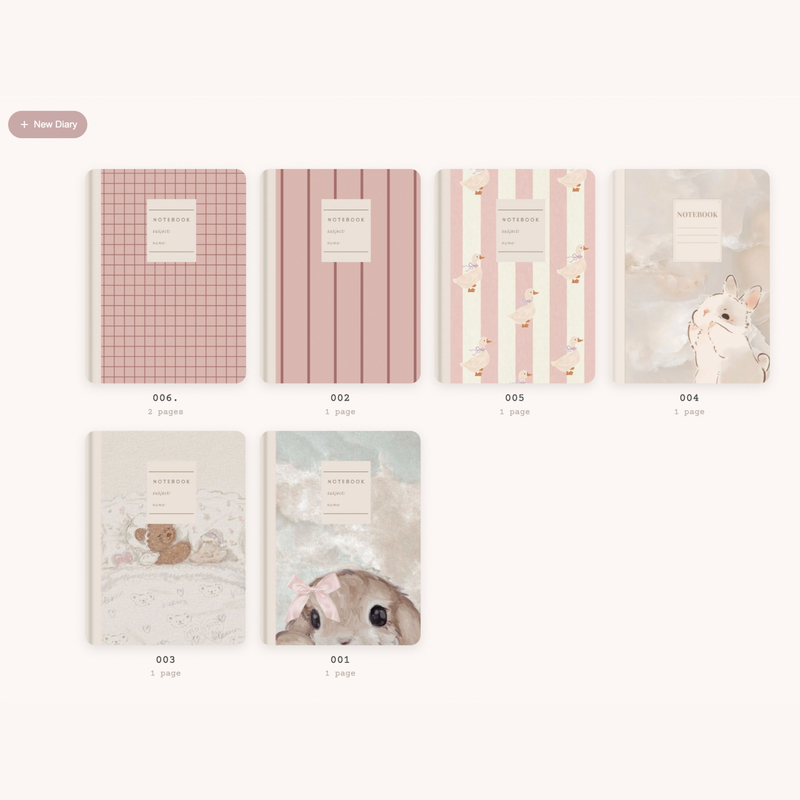
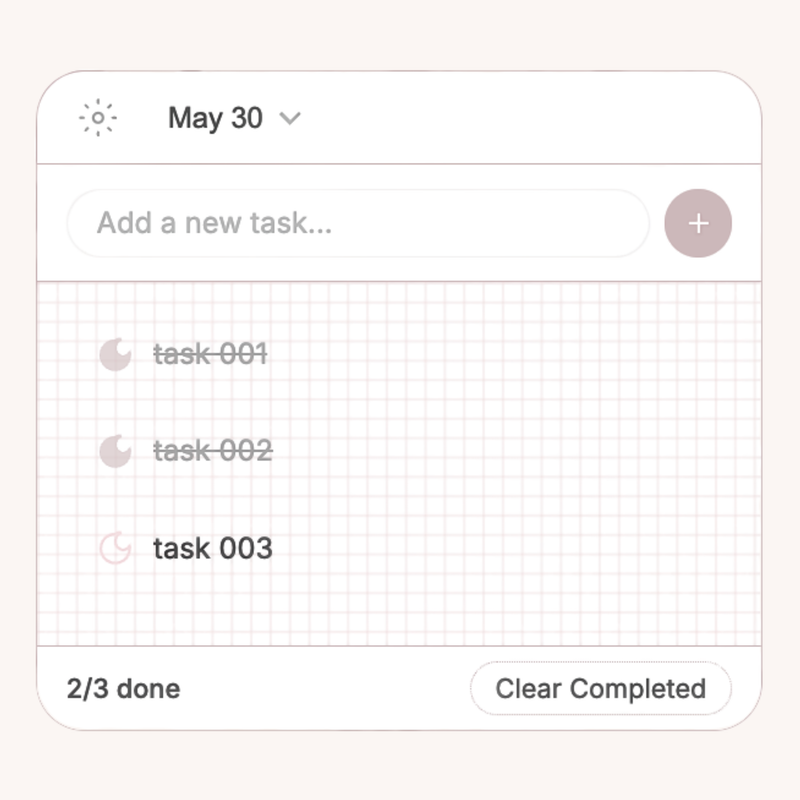
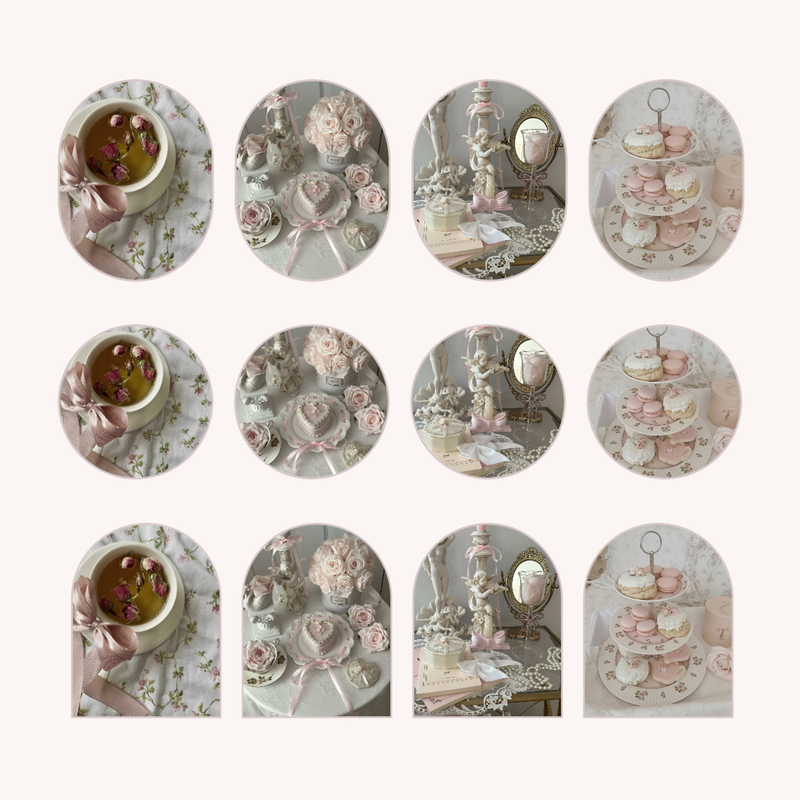
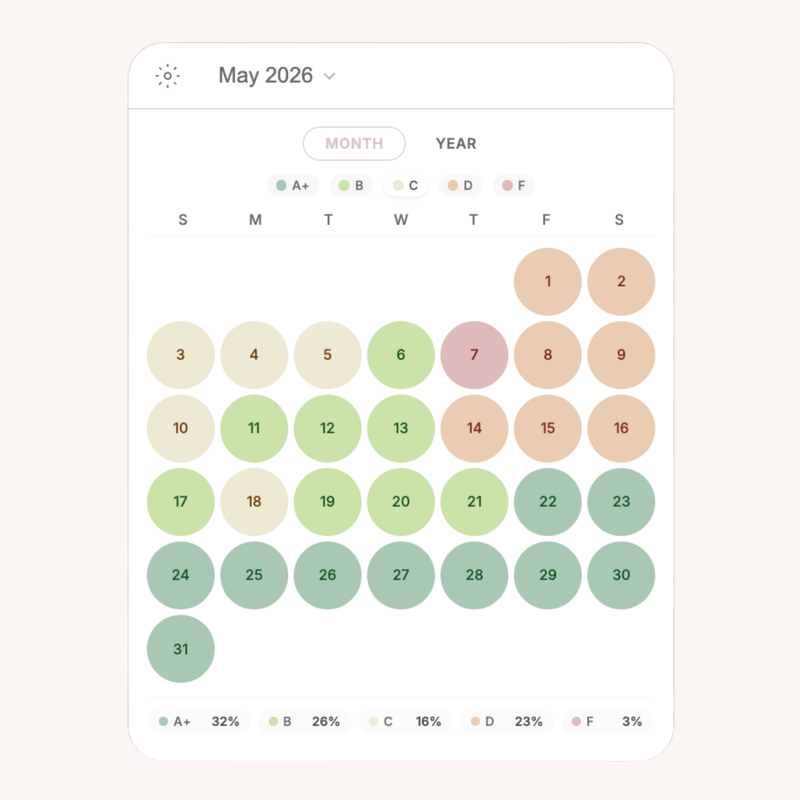
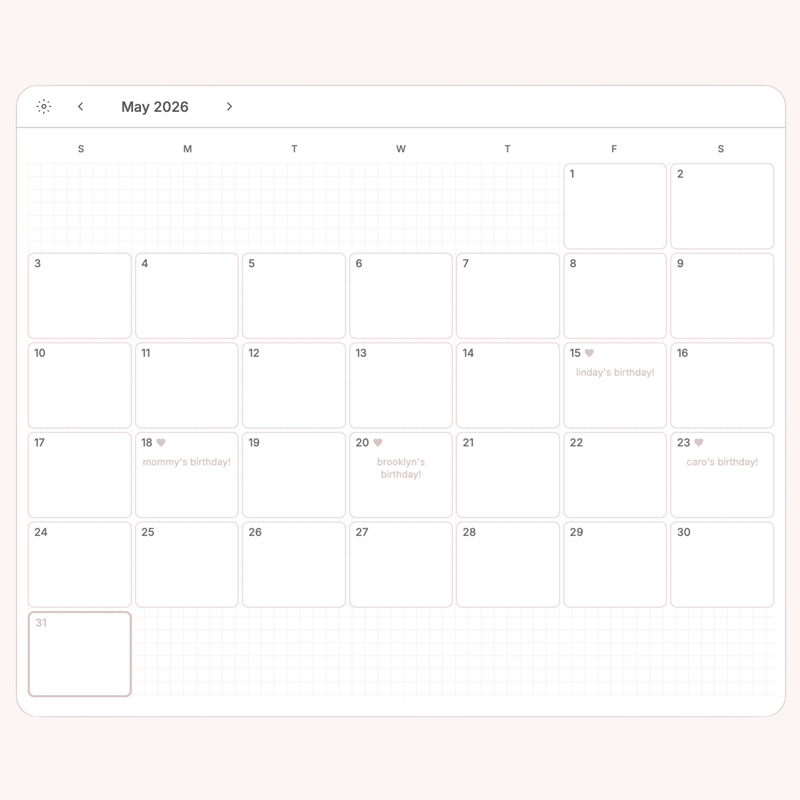
( digital diary, habit tracker, brain dump, calendar, to-do list, mood tracker, and picture frame/gallery )
+ lifetime updates.

heonimoon ⋆ koustudy

koustudy

koustudy bundle
featured
୧﹒koustudy ꕤ  $18 $12

studying was always meant to be this cute.

+ includes: 6 kouapps!
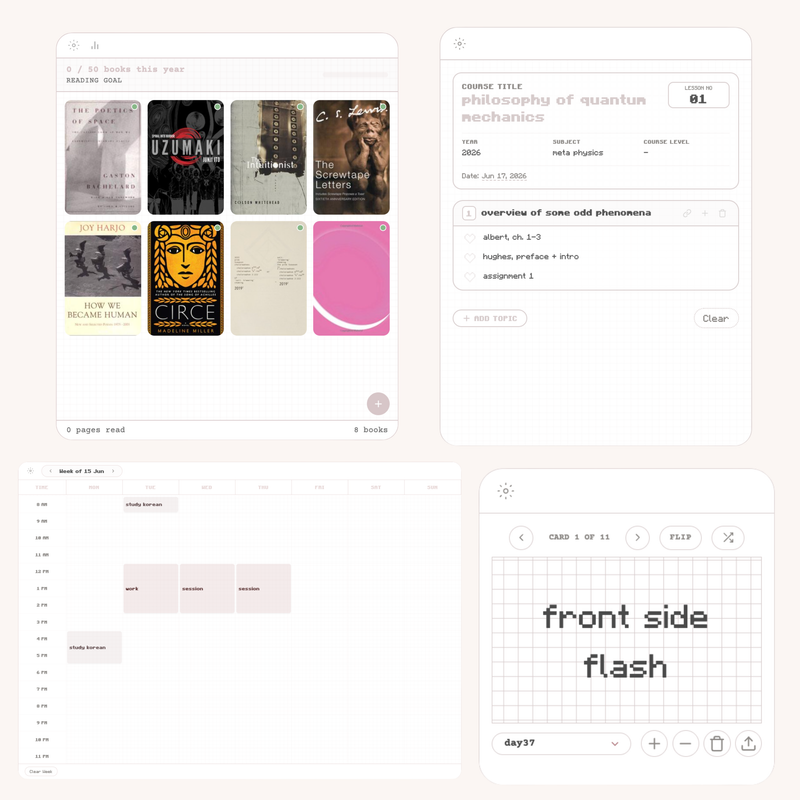
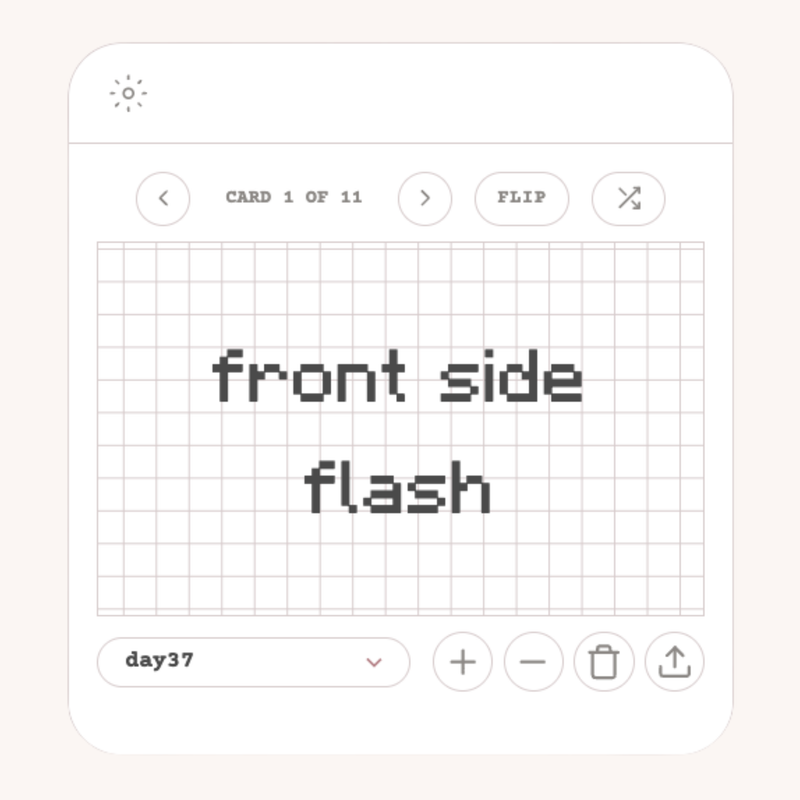
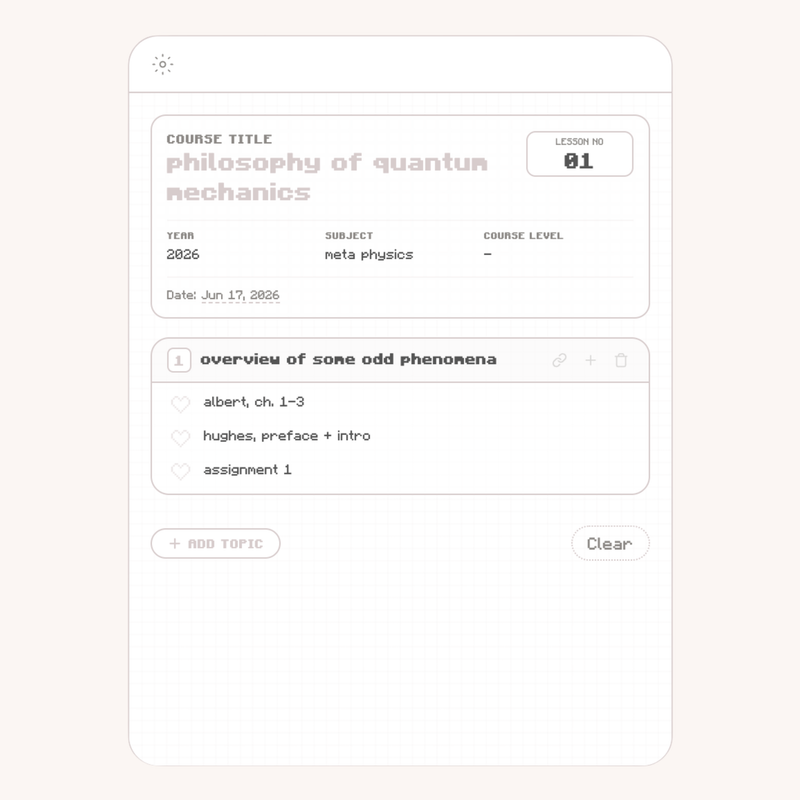
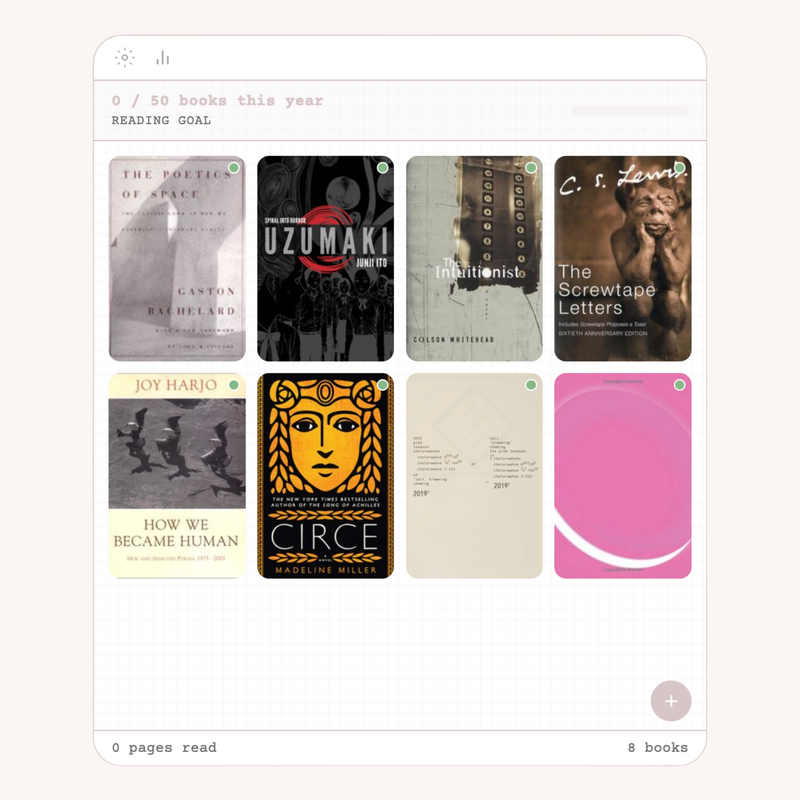
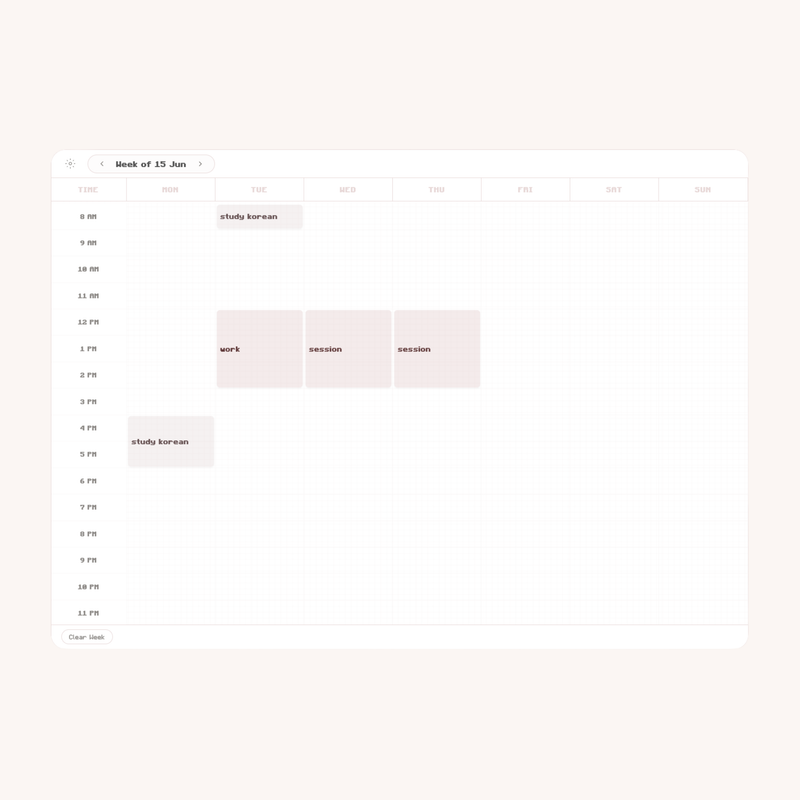
( pomodoro tracker + timer, digital flashcards, digital syllabus, book/reading log, study schedule )
+ lifetime updates.

heonimoon ⋆ koufree

koufree

koufree
featured
୧﹒koufree ꕤ  FREE

a few things on the house, as a treat. ♡

+ includes: 3 kouapps!
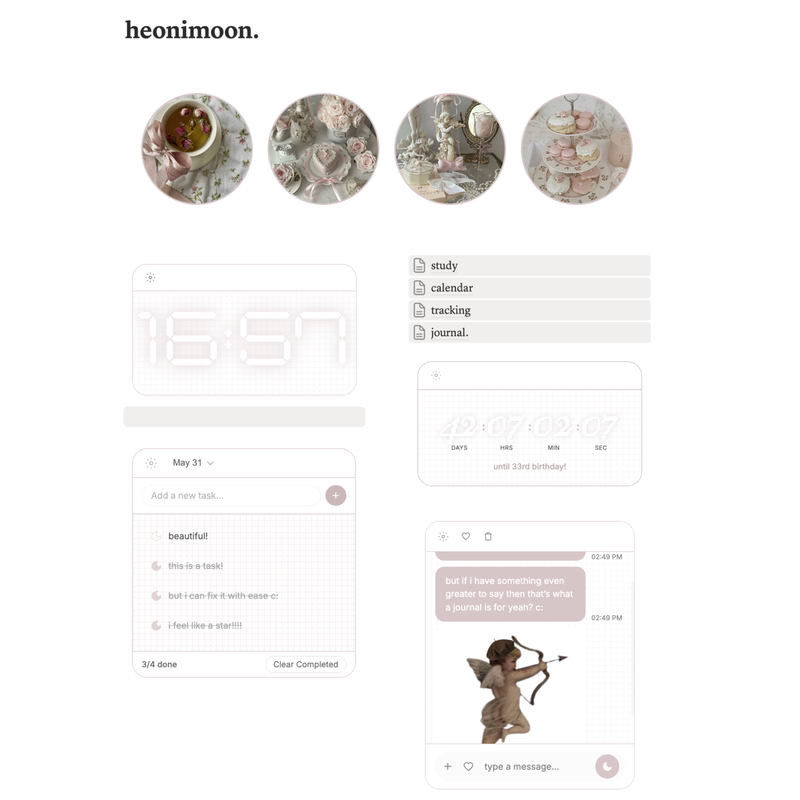
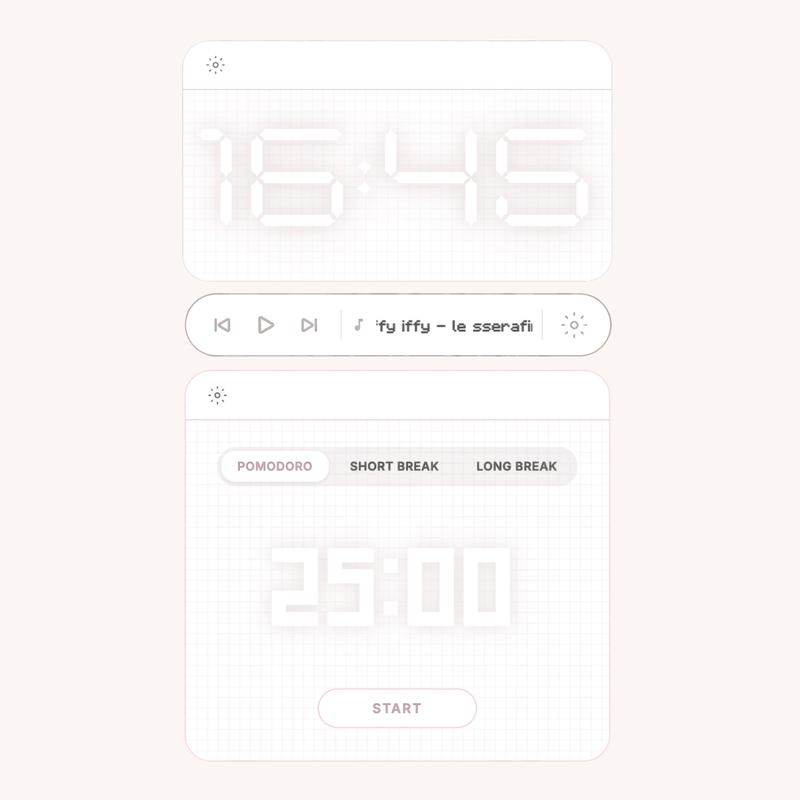
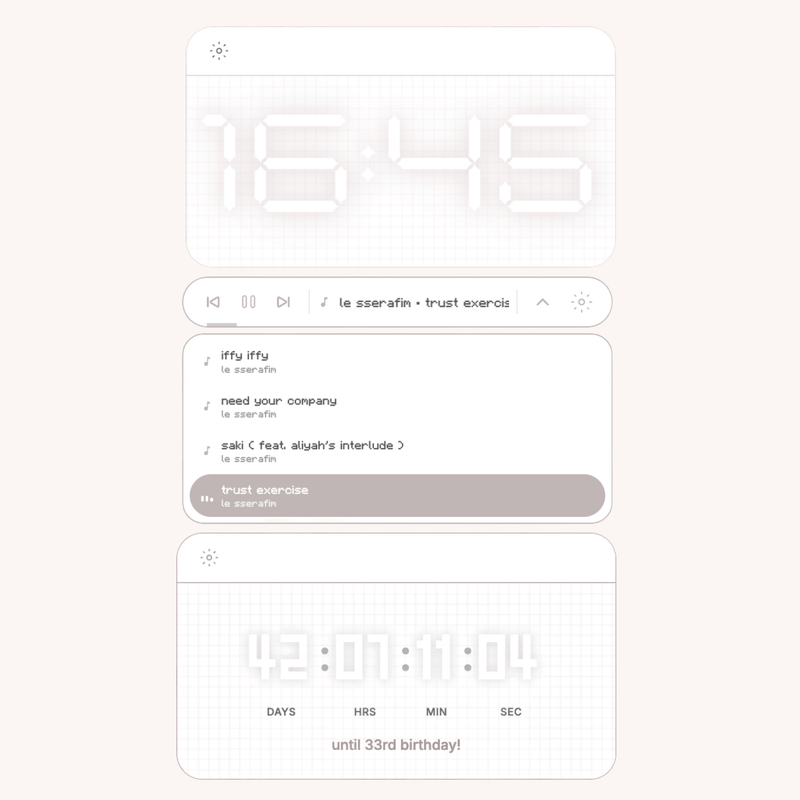
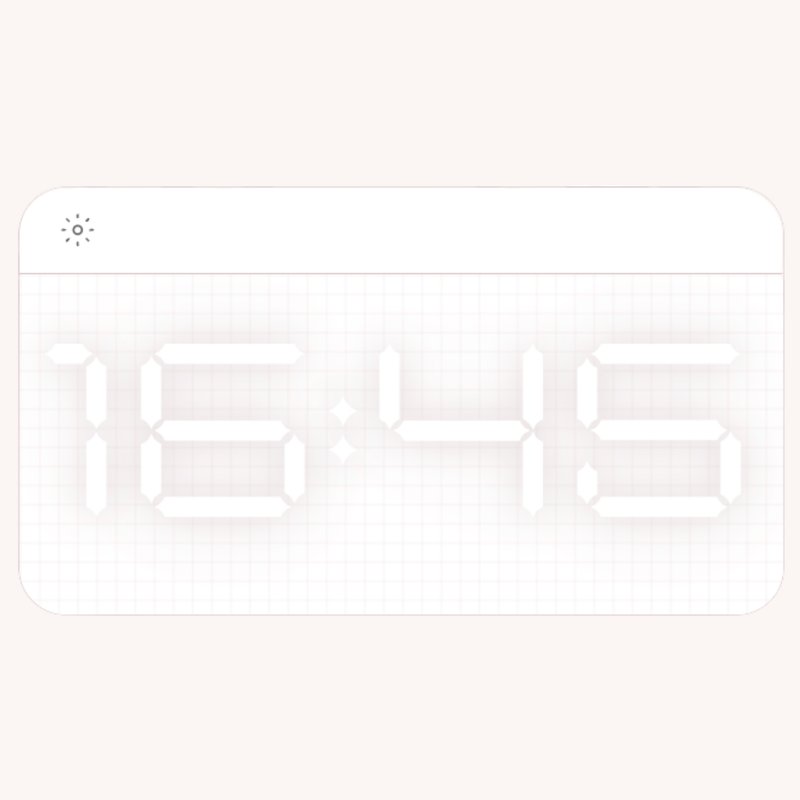
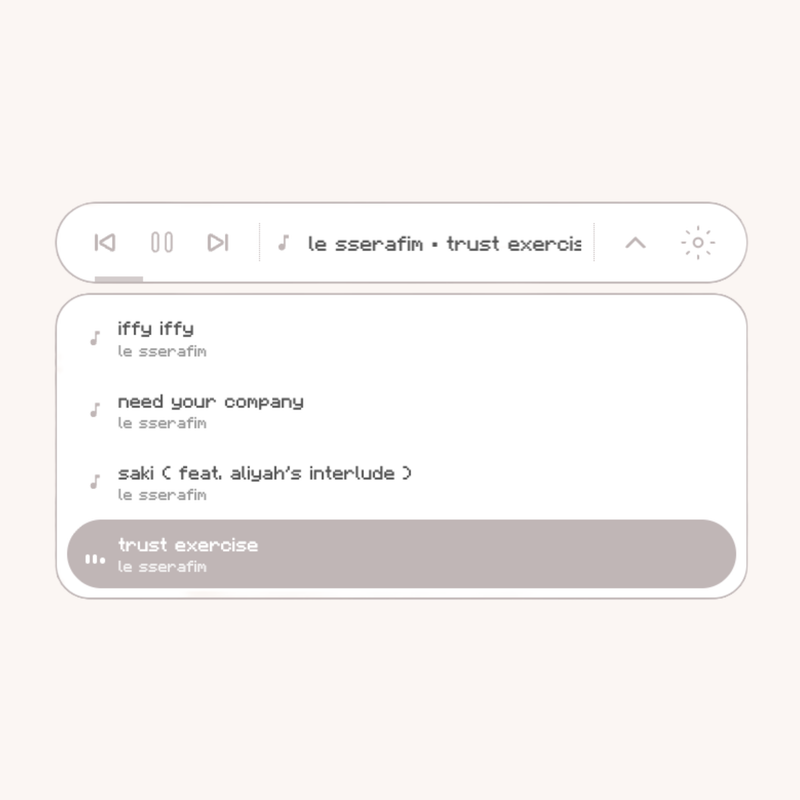
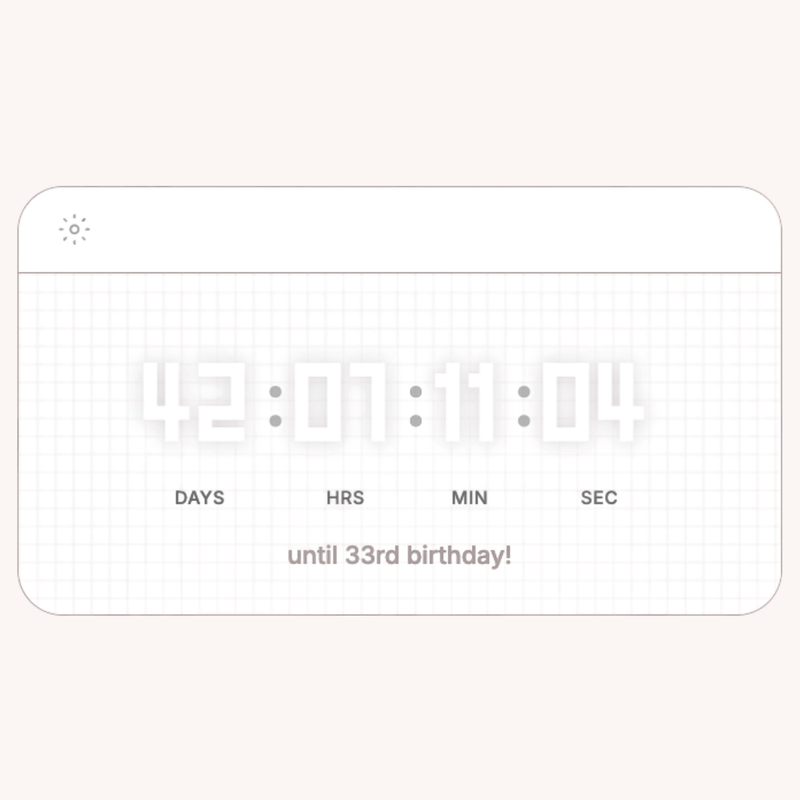
( music player, digital clock, & digital countdown )

please note: due to the general size of songs, cloud sync is not available for koujam. the widget uses local storage only.

kouclock-curve

KOUCLOCK

koujam

KOUJAM

koucount-curve

KOUCOUNT

heonimoon ⋆ koupay

koupay

koupay series
featured
୧﹒koupay ꕤ

a little series for your wallet. ♡

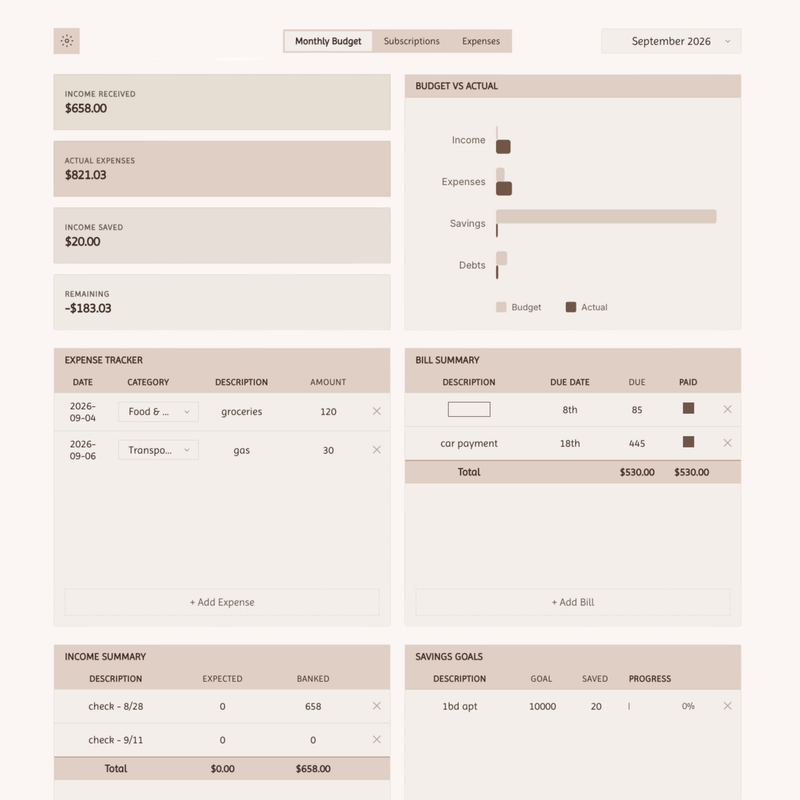
+ includes: 1 kouapp!
( monthly budget tracker )
+ lifetime updates.

more koupay widgets coming soon.

heonimoon ⋆ updates

what's new.

Sep 21, 2026 new

꒰ updates, new features, and pending changes ꒱

hello, all!

here’s everything i’ve added and updated lately. all of these changes are live already and if you own these widgets, you’ve likely seen them appear over the last day or two, but i wanted to formally let you all know what everything is and does! i will also go over a few changes that are rolling out soon, but are still pending.

koucal

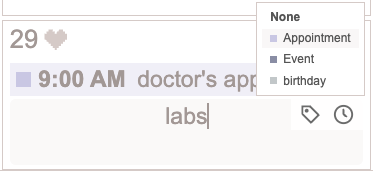
  • introducing categories! you can now add 5 custom categories with custom colors in the settings to assign to your events, giving them a colored block on your calendar.
  • introducing fill embed mode! if you prefer to have your calendar fill your notion page space, this toggle is for you! try it out. it’s designed to fill the entirety of the given widget space and have its width reach margin to margin while maintaining even blocks for each day.
  • you can now add up to 3 events per day block, each with their own time and category.
  • added a text size slider in the settings. ( helps if you prefer zoomed out view but need bigger text )

kousched

  • introducing fill embed mode! like koucal, it stretches to span across the entire available width in your notion page!
  • adjusted the scrollbar to be thinner and align with user’s selected accent color.
  • fixed a bug that caused the widget to send empty week lists and remove schedules. any missing schedules are restored.

koucoin

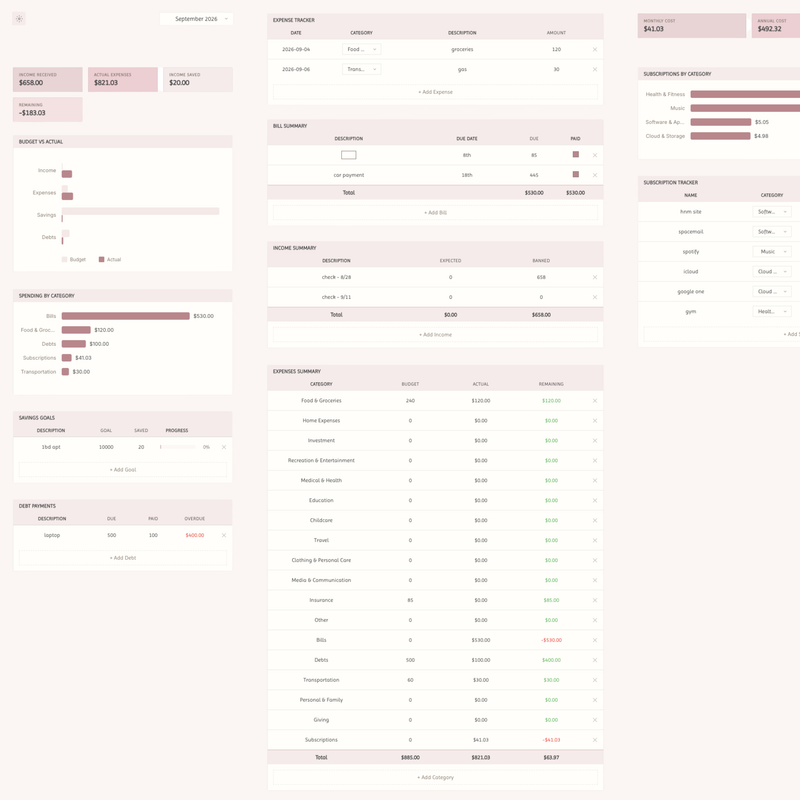
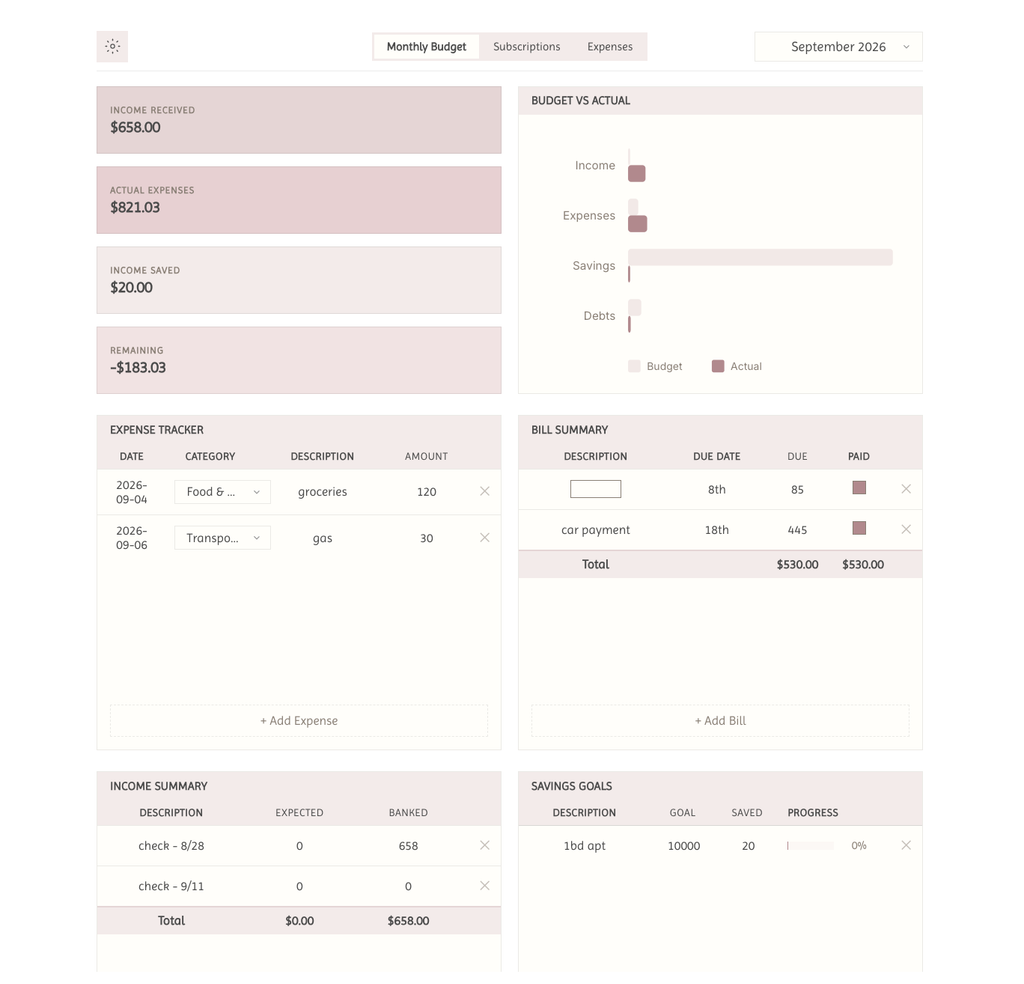
  • savings goals, debts, bills, and subscriptions carry across future months until manual deletion, rather than requiring repeated entering each month.

kourie

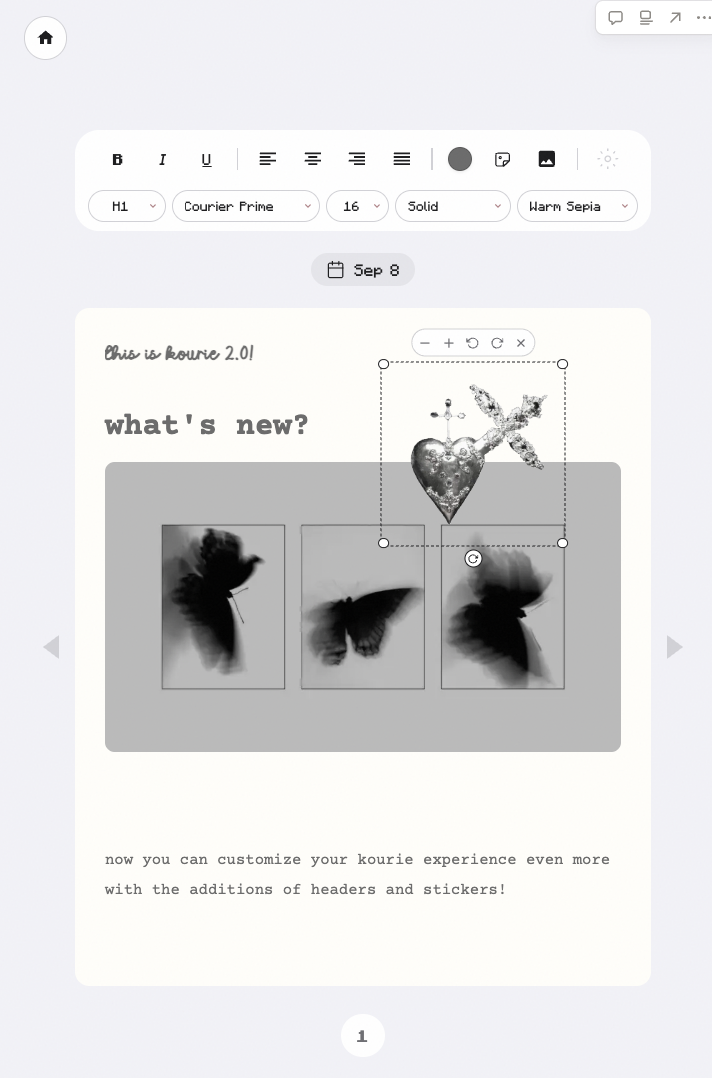
  • fixed a bug that caused overwrites. any missing diaries or pages are restored.

kouclock + koucount

  • i moved the compact mode settings button to the bottom right. i think this positioning is the most out of the way while still being visible and not awkwardly positioned. the downside of the compact mode is less space available for the settings button, but it’s necessary for customization so i can’t remove it completely.

all widgets
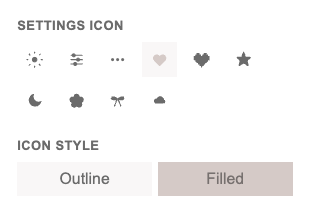
  • introducing settings icon options! i added a selection of icons to the settings so that you could change them from the default sun/wheel icon. they come in an outline version and a filled version.
  • introducing settings border toggle to remove the square/circle background from the settings button if you just want the bare icon with no background when you’re using a unique title bar color.
  • introducing show on hover toggle to make settings icon disappear unless hovering over the widget.

pending changes

  • koucard individual deck view : i’ll be adding the ability to embed a single deck on a page. this is so you can use the flashcard widget across different pages for different subjects or reasons and not have to load the deck each time you change pages. this will be a read only mode to avoid creating bugs and sync issues. it will be done in the next few days, if time permits!
  • koubit week view : i’ll be adding the ability to have a 1-week view on koubit. any habits you check off in the week will still sync to the full month and since the week view will be its own embed, you can technically use both in separate pages if you so choose.
  • i’ll be adding the most beloved ‘arial’ font across all the widgets. it’s currently available in 2 widgets and i’ll slowly add it to them all.

as always, if you have any questions or are experiencing any bugs whatsoever, submit a form on the contact tab or email me at hello@heonimoon.com
earlier
heonimoon ⋆ about

hey, hi, hello.

who wouldn't want their life to look its best?

heonimoon is a culture of cuteness and functionality. we don't remove one from the other.

productivity and planning doesn't have to feel sterile/bland or visually harsh and overly complex to the point of deterring execution.

planning and follow-through can both be effortless reflections of your tastes.

heonimoon kou mascot
art by Maguwito
heonimoon ⋆ faq

questions.

q: who is the owner of the site?
a: heoni ( me ) is the owner of heonimoon. heonimoon is primarily a one-woman team with occasional assistance from my best friends. all responses will come directly from me.
q: what is heonimoon?
a: heonimoon is my collection of solutions to the problem i have with the limitation of customization in digital workspaces. it can work well and be cute.
q: how do i access my purchase?
a: after purchase, you'll receive a download to the email you use during checkout with access to your sync code.
q: do you offer refunds?
a: due to the nature of digital products, i do not offer refunds. but if you have any issues, please reach out via email! i'll respond within 24 hours.
q: can i use these for commercial purposes?
a: commercial use is not allowed. redistribution is not allowed.
q: how do i get updates?
a: when you purchase, you'll automatically have lifetime updates. if you sign up for email updates, i'll send out an email detailing any changes made.
q: how did you make these? can i share the links with my friends?
a: html/css/js + cloud sync. you may share where to purchase. however, i kindly ask not to share the direct links to the embeds.
q: will you be making more?
a: yes, there are other things coming, but i'm just one girl who is also a working student, so it'll take some time.
q: i have a suggestion for a feature i'd like to see!
a: leave it right down here ↓
heonimoon ⋆ contact

contact us.